AI Outfit Changer
Upload a full-length photo, pick one piece to change, and see an AI preview of the new outfit on you. Your face, pose and background stay as they are.
How the AI Outfit Changer Works
Instead of a text box, this AI clothes changer gives you a short menu of everyday pieces: a different top, a jacket or coat, pants, a skirt, a dress or shoes, each in a few styles and colors. You change one piece at a time and see it on your own photo.
- 01Add a full-length photoJust you, from head to shoes, in good light. We check the photo first, and that check is free.
- 02Pick one pieceChoose what to change, then a style and a color. One change per preview keeps the rest of the photo in place.
- 03See it on youThe preview takes about 20 to 30 seconds and shows up next to your original. Download it, or try another piece.
What Stays the Same
The preview redraws only the piece you picked and is told to keep everything else as it is:
- Your face and expression
- Your hair and pose
- The background, light and framing
- Every piece you didn't pick
Where it can slip
- Hidden parts get redrawn. If a hood or a hat covers your hair, the AI has to guess what is underneath, and the guess may not look like you.
- Far-away shots may be re-framed. When you are far from the camera, the picture can come back cropped differently. A closer photo works better.
- Fine patterns can shift. The whole picture is redrawn, so denim, knits or the ground can come out slightly different.
- It's a preview. The real piece will look a little different in cut, color and fabric.
Ideas to Try
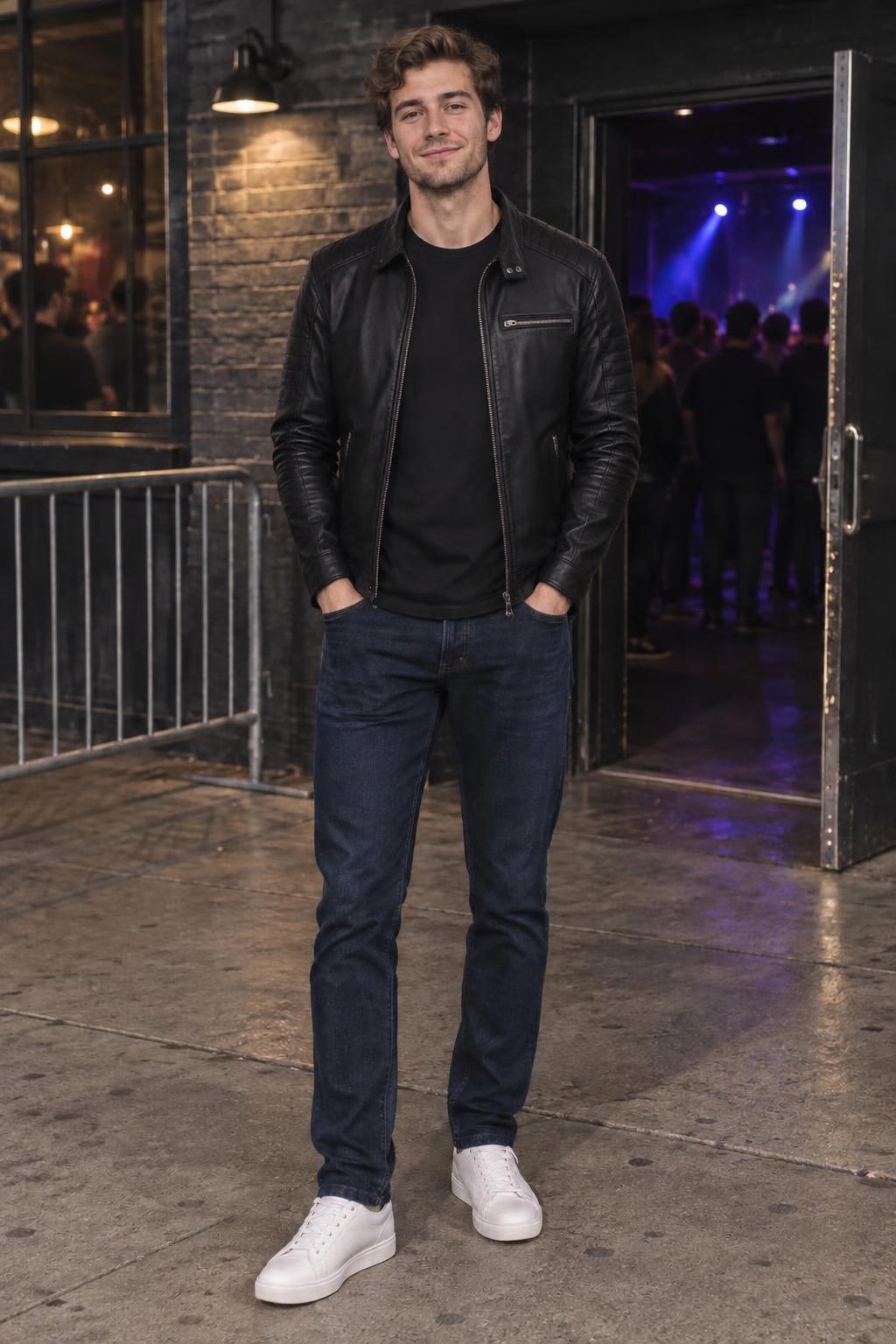
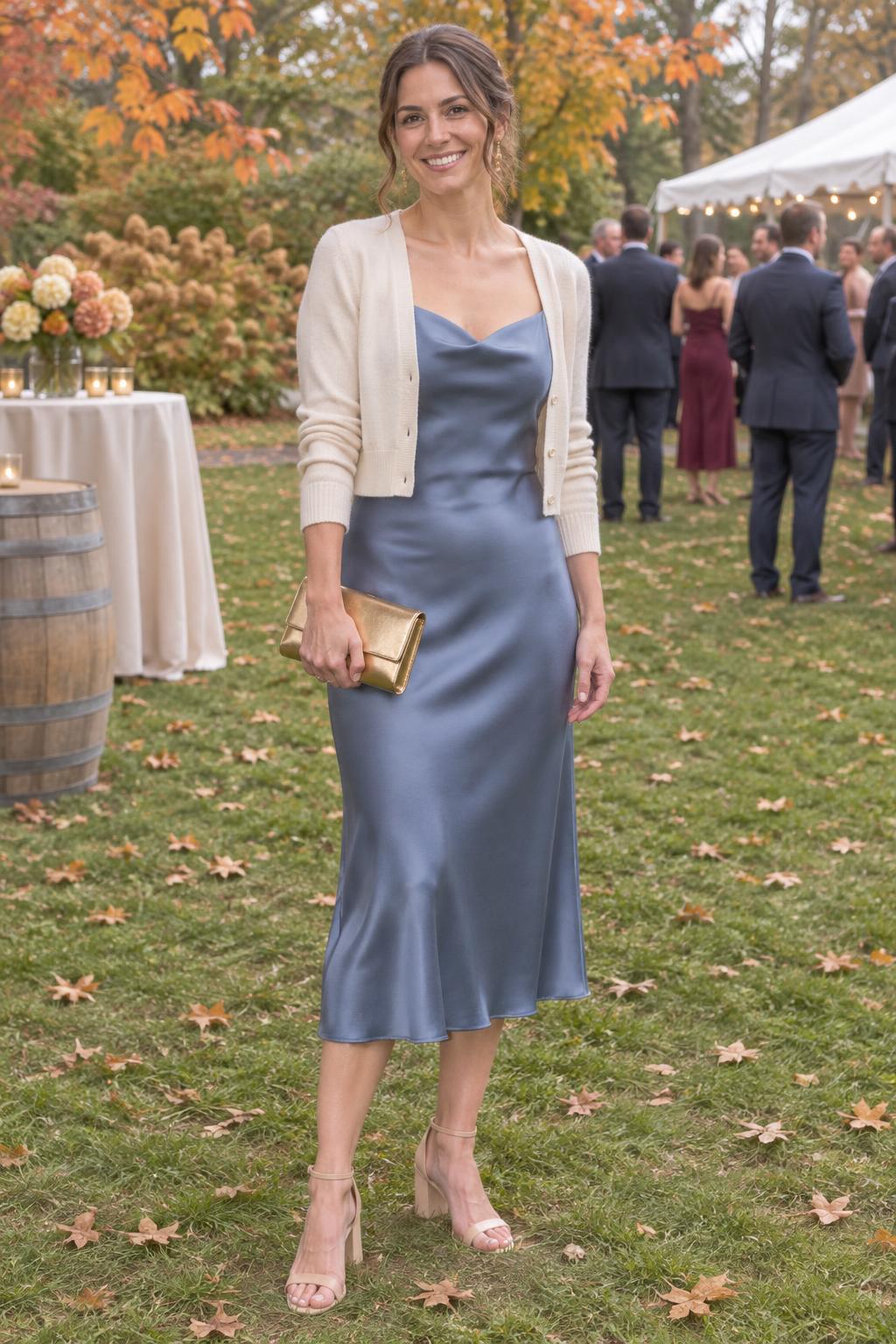
Shoes and a jacket are the quickest way to change how dressy an outfit looks, so they are a good first try. These three were made with the same image model on photos of AI-generated people.
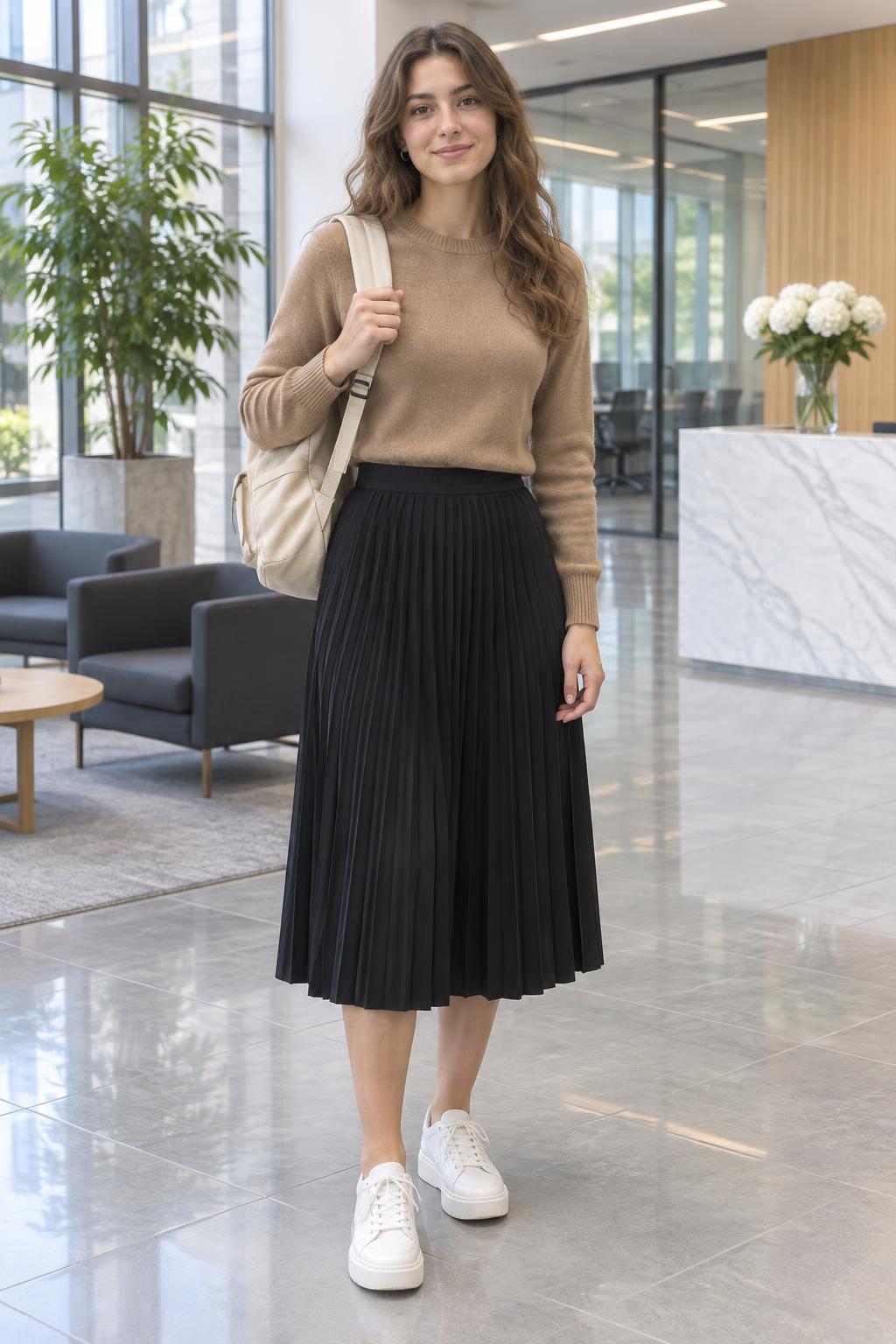 Original
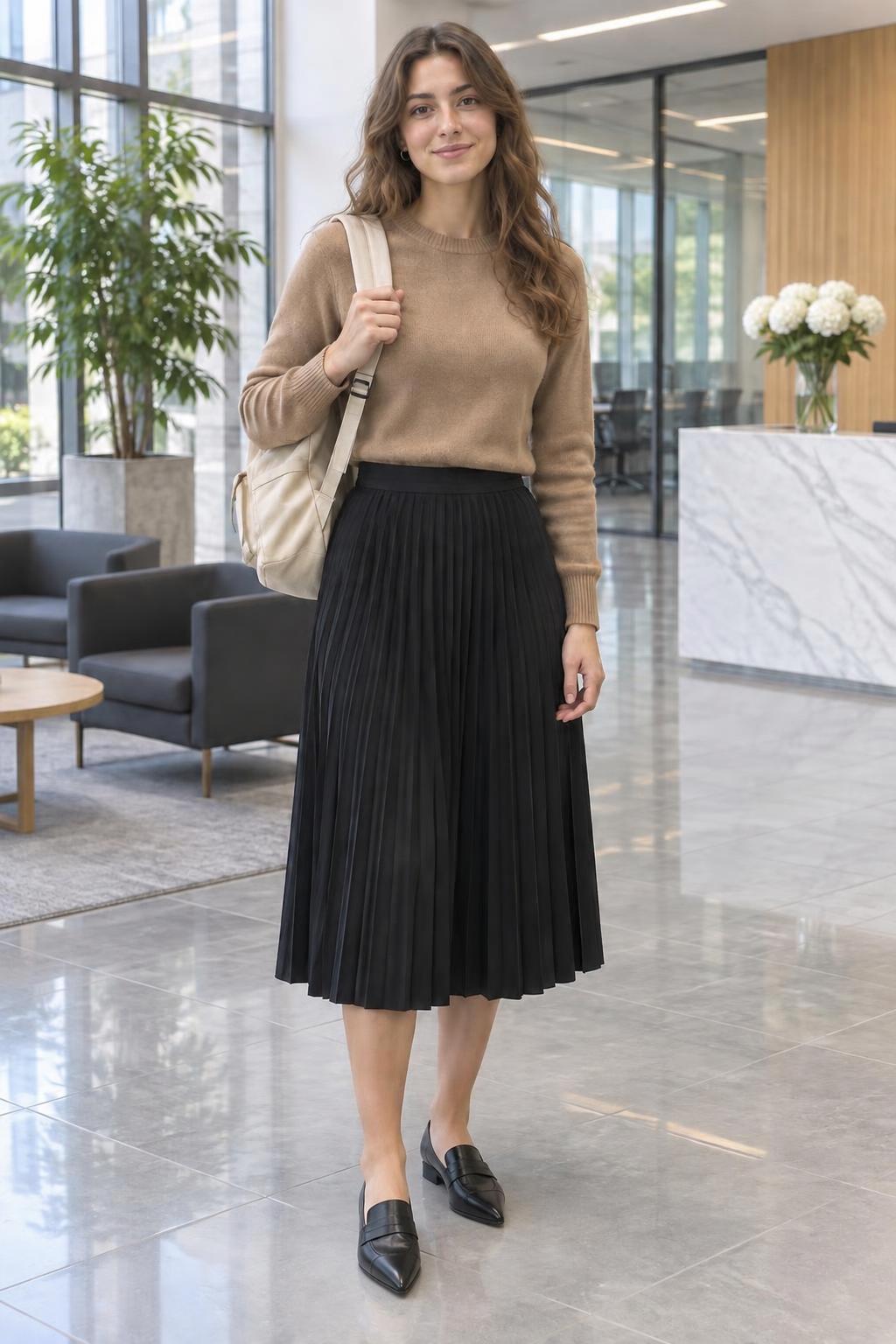 AI preview
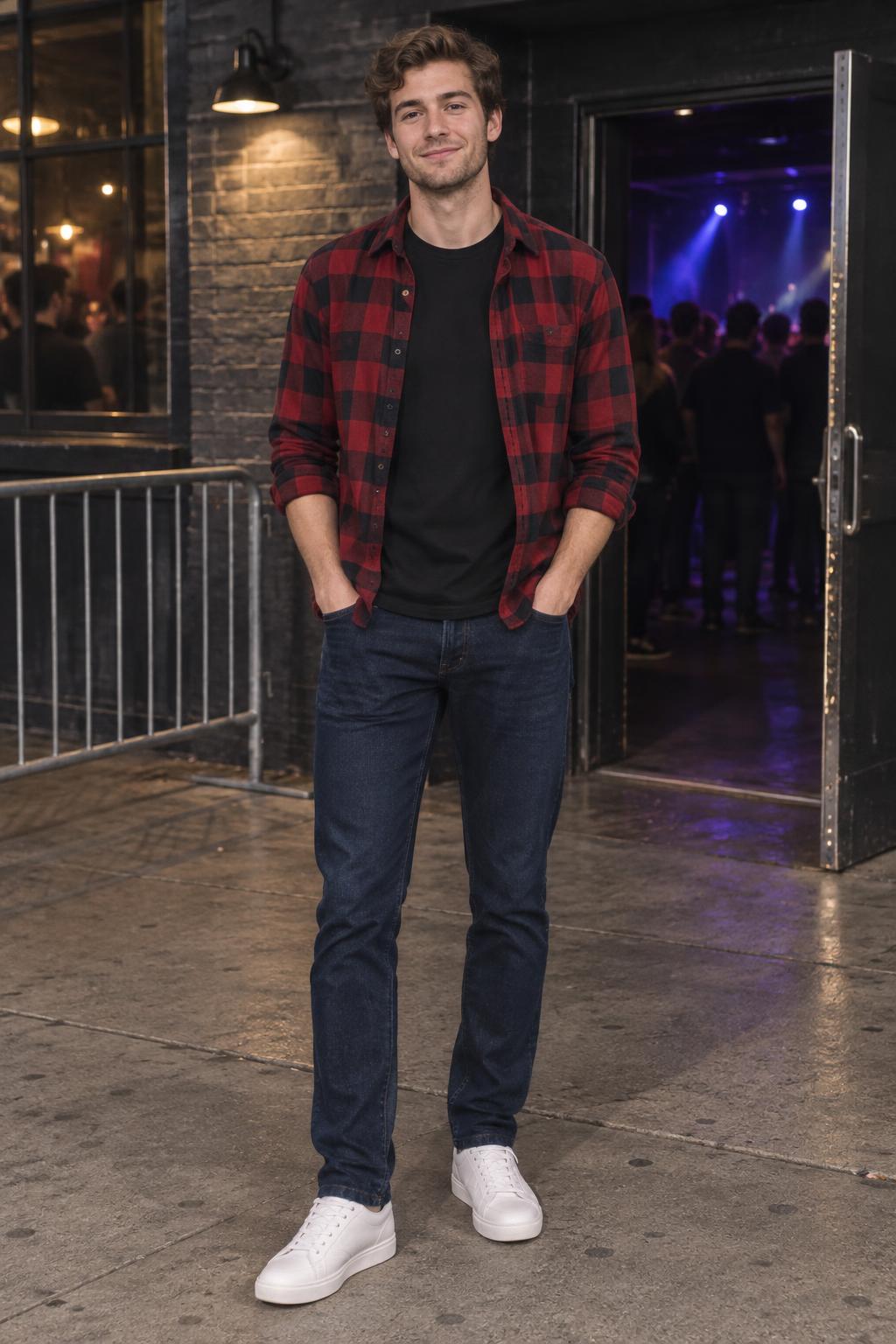 Original
 AI preview
 Original
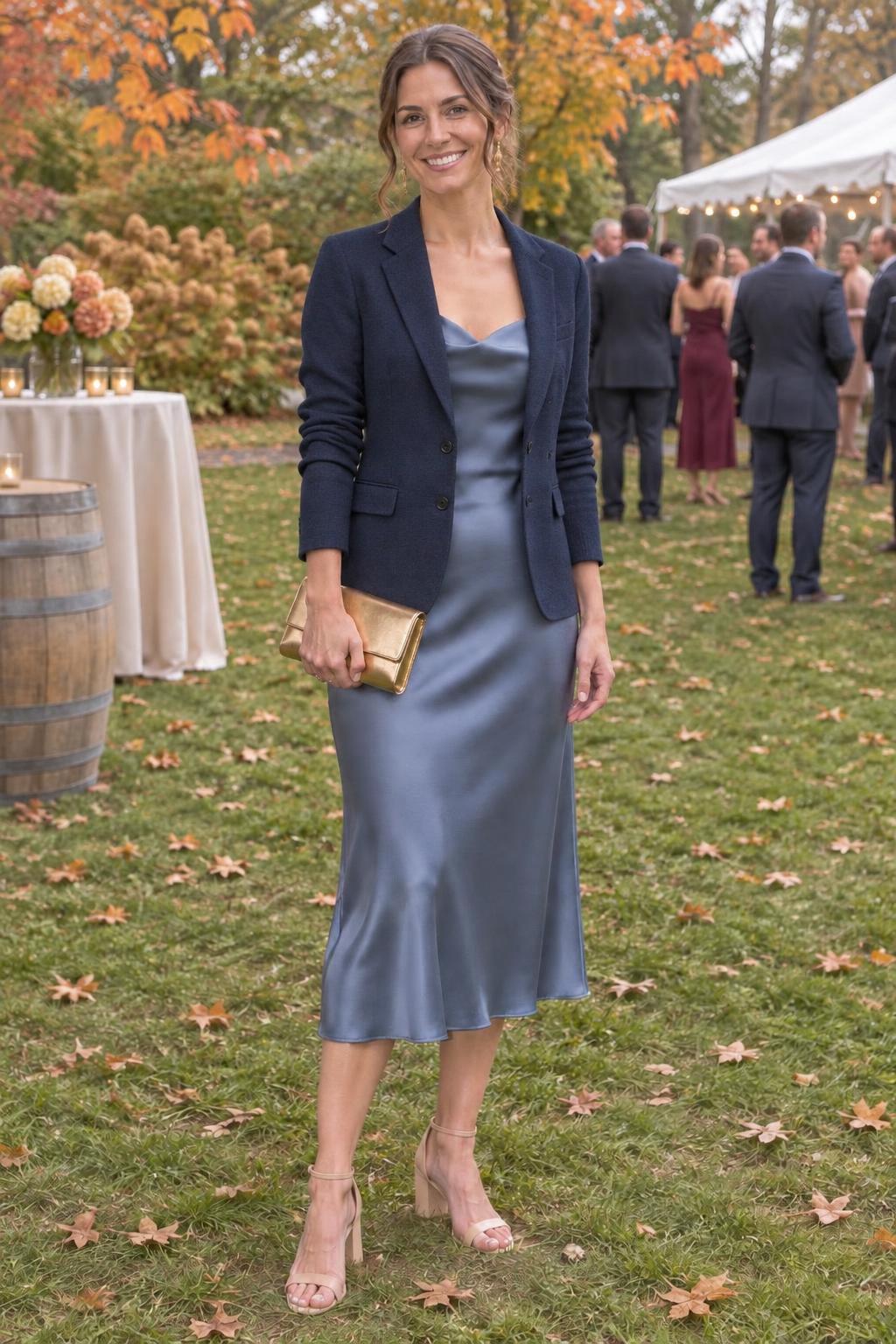 AI preview
Not sure it matches? Check the outfit and get a score with the one change that would help most. Previews and checks come from the same balance; see pricing for packs.
AI Outfit Changer FAQ
How does the AI outfit changer work?
You upload a full-length photo and pick one piece, a style and a color from a set list. We check the photo, then an AI image model redraws only that piece and keeps the rest of the picture. The preview shows up next to your original in about 20 to 30 seconds.
Is the AI outfit changer free?
Your first preview is free once you sign up for a free account. After that, each preview uses 1 check: your free checks first, then any from a pack. If a preview fails, the check is returned, and a photo we can't use never costs anything.
Can I change clothes in a photo by typing what I want?
No. You pick from a set list of everyday tops, jackets, pants, skirts, dresses and shoes, each in a few colors. There is no text box, which keeps every preview to ordinary clothes.
Is it the same as a virtual try on?
Close, but not quite. A virtual try on usually shows one exact product from a shop. Here you pick a kind of piece and a color, so the preview shows the idea of the change, not a specific item you can buy.
What photos work best?
A full-length photo of just you, from head to shoes, in good light, where you fill most of the frame. Mirror selfies work. Photos with more than one person, or where the outfit is hard to see, get a short message instead, and no check is used.
Do you keep my photo?
No. Your photo is checked by the same AI we use for outfit scores, then sent to our image partner (kie.ai, using an OpenAI image model) to make the preview. We don't keep the photo or the preview on our servers.